Text to Video AI Generator
Paste a script. Get an MP4 with visuals, narration and captions, cut to the rhythm of the words.
Nothing about this needs a timeline, a stock library or an export step. The script is the input and a finished video is the output.
Videos made with ClipPilot
How it works
- 1
Paste the script
It becomes the narration word for word. Or give a one-line idea and have the script written for you.
- 2
Choose still or animated
Stills for narration-led scripts, generated video clips when the visual is the point.
- 3
Set voice, style and format
36 voices, ten visual styles, caption style and colour, aspect ratio and quality.
- 4
Render and download
An MP4 with synced captions and no watermark, editable afterwards if a scene missed.
What happens after you paste the script
The script is read once and split into scenes at natural beats, roughly one scene per sentence or clause depending on pacing. Each scene gets its own image or video prompt, written against the visual style you picked so all of them belong to the same video.
The narration is generated in a single pass that returns the timing of every word. That timing is then the authoritative clock: caption highlights and scene changes are both derived from it, rather than estimated from character counts. It is the reason the cuts land on sentence boundaries instead of a beat late.
Visuals are generated per scene, composed with the transition and music settings you chose, and rendered. Two to five minutes for most videos.
Writing a script that renders well
Short declarative sentences produce clean scene boundaries. Long sentences with several clauses tend to produce one scene holding on screen while a lot is said, which reads as slow.
Concrete nouns give the image generator something to work with. A sentence about a specific object in a specific place renders far better than an abstract statement, because the prompt written for that scene has something to depict.
Avoid stage directions in the script. Anything you write becomes narration and will be read aloud, including a note to yourself about what the shot should look like.
Still images or generated video clips
Image output generates a still per scene and moves the camera slowly across it. It is cheap, about 100 credits a minute, and it is the right default for narration-led scripts where the words carry the video.
Animated output generates a real video clip per scene, with motion and native sound. It is 35 credits a second in HD, so a minute is 2,100 credits, and it is worth it when the visual is the reason someone watches rather than the narration.
Animated videos accept a script of up to 1,200 characters. Image videos take considerably longer scripts.
Voices and captions
There are 36 voices with previews. Whichever you pick is stored with the video, so a recompile later sounds like the original rather than the current default.
Captions are word-synced, in two styles with a choice of highlight colour. They require a voiceover, since there is nothing to sync to otherwise. You can also generate a video with no narration at all, in which case the timing comes from the scene lengths you set.
Changing your mind afterwards
The editor lets you rewrite the narration and recompile. When the words change, the voiceover and the captions regenerate together in one aligned pass and the scene boundaries are re-mapped to the new audio, so nothing falls out of sync.
When the words did not change, the existing audio and captions are reused and you only pay for the render. Regenerating a single scene's visual works the same way, at the cost of that one scene.
Formats and output
Image videos render in 9:16, 16:9, 1:1 and 4:5. Animated videos render in 9:16, 16:9 and 1:1, at Standard 480p, HD 720p or Full HD 1080p.
The output is an ordinary MP4 with no watermark on any plan, and you hold full commercial rights to it.
What it costs
Plans start at $19 a month for 3,000 credits. A one-minute image video is about 100 credits. Animated video is priced per second of finished video, at 35 credits a second in HD.
No watermark on any plan, and you hold full commercial rights to everything you generate.
Frequently asked questions
How long can the script be?
Animated videos take up to 1,200 characters of narration, which is roughly 75 seconds of speech. Image videos accept longer scripts, and their length follows the narration. If you are giving an idea instead of a script, that field is capped at 500 characters.
What languages are supported?
The voice catalogue is English. The underlying voice models handle other languages to varying degrees, but we only ship and test English voices, so treat anything else as unsupported for now.
Can I generate a video with no voiceover?
Yes. Animated videos can run on the clips' own audio with no narration at all, which is how the viral templates work. Captions are turned off in that case, because there is no speech to sync them to.
Is the output a normal video file?
Yes, a standard MP4 you download and use anywhere. No watermark on any plan, and full commercial rights.
Can I choose the visual style?
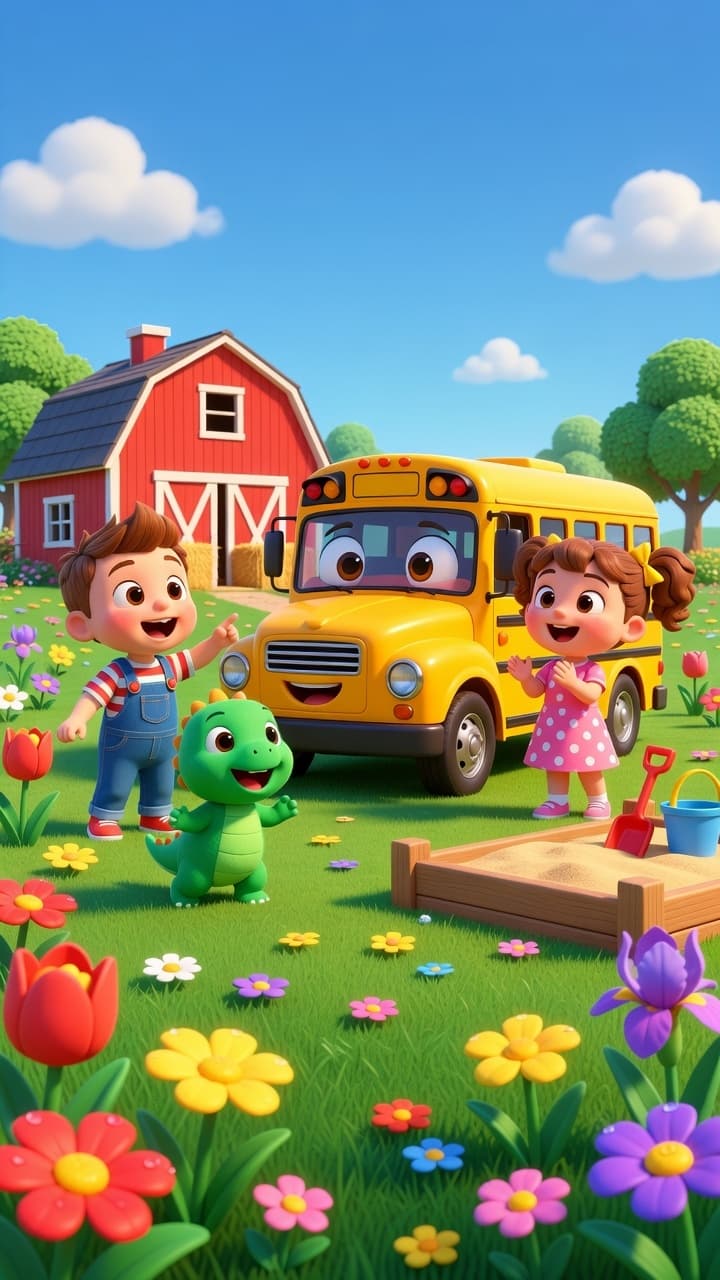
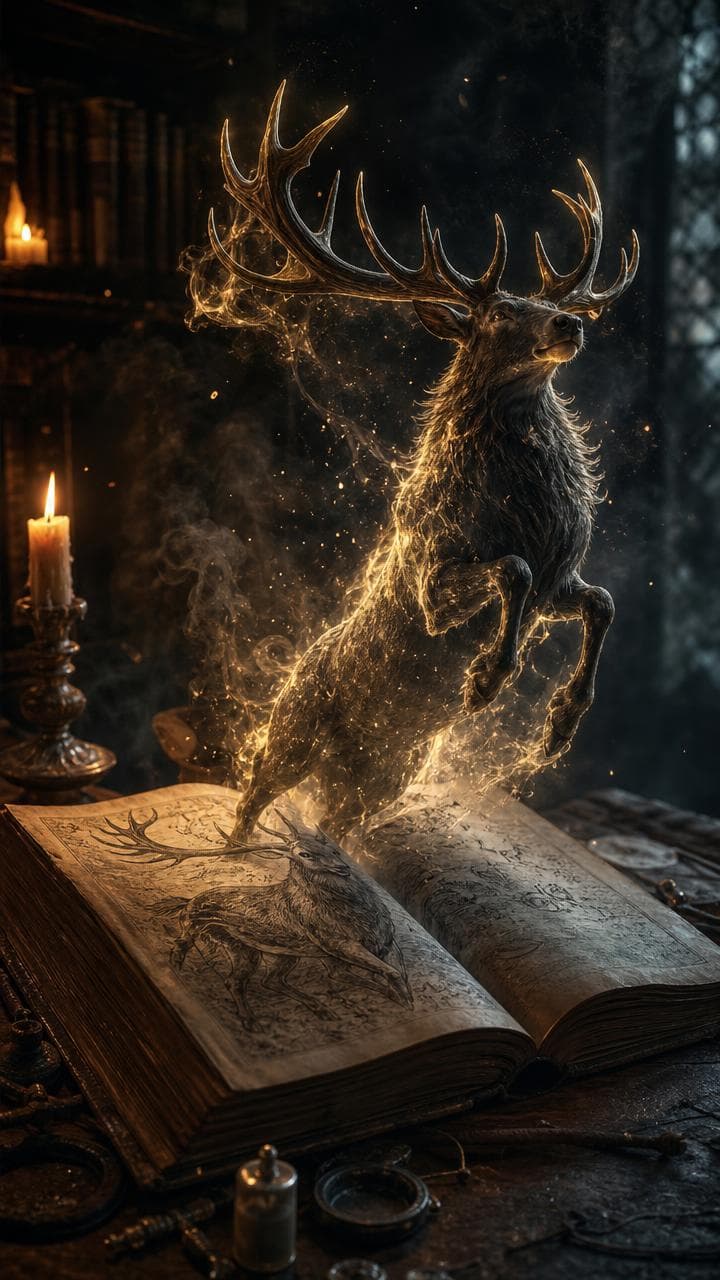
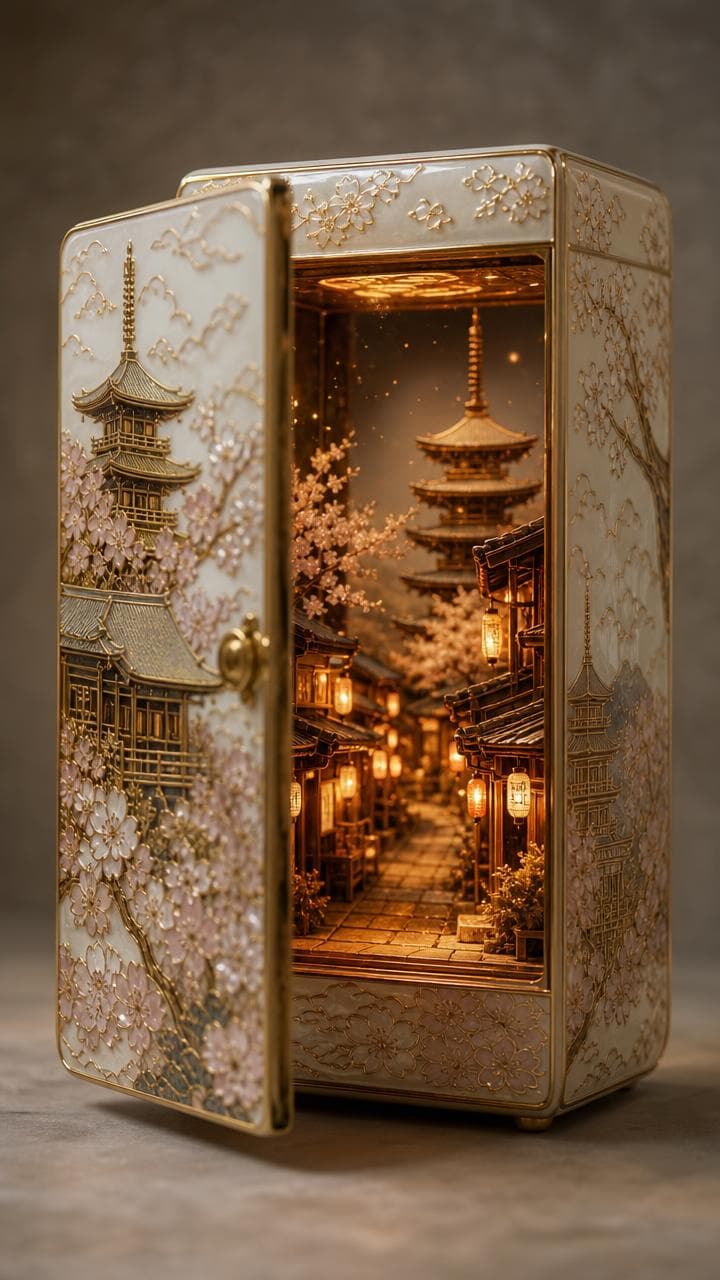
Yes, from ten: photoreal, cartoon, comic book, anime, soft illustration, clay animation, creepy, cyberpunk, vintage and flat modern graphics. The style applies to every scene, and it is stored with the video so regenerating one scene later matches the rest.