AI Long-Form Video Generator for YouTube
Shorts are made for a quick scroll. The videos on your channel page are different. They're horizontal, they run longer, and people often watch them on a laptop or a TV.
ClipPilot makes those too. Any video can be set to 16:9 before you generate it. Give it a script and you get a narrated video with pictures, a voiceover and captions. Give it lyrics and you get an original song with an animated music video built around it.
One thing to know up front: each video has a length limit. A narrated video runs up to about two minutes and a music video up to three. If you want something longer, you make it in parts and join them. There's more on that below.
Videos made with ClipPilot
How it works
- 1
Pick a format
A narrated image video, a fully animated video, a music video, or a template.
- 2
Bring the words
Paste a script or lyrics, or describe an idea and let AI write a first draft.
- 3
Switch to 16:9
Choose landscape, then the voice, style and music, or keep the defaults.
- 4
Generate and upload
Fix any scene in the editor, then download the MP4 and upload it to YouTube.
Narrated videos from a script
This is the format most horizontal channels will lean on. Paste a script of up to 1,200 characters, which is about two minutes of narration, or describe an idea and have the script written for you. ClipPilot splits it into scenes, makes a picture for each one, records the voiceover and lines the captions up with it word by word.
It suits videos people watch from start to finish: history stories, explainers, list videos, scary stories, bedtime stories. Pick a visual style like Cartoon, Anime, Comic Book, Vintage or Creepy and every scene follows it. Each picture slowly zooms while it's on screen and, by default, each scene fades into the next, so it plays like a video rather than a slideshow.
In 16:9 these render at 1920 by 1080. They're also the cheapest format by far, at about 100 credits for a minute of video, which makes them the practical choice if you post often.
Music videos up to three minutes
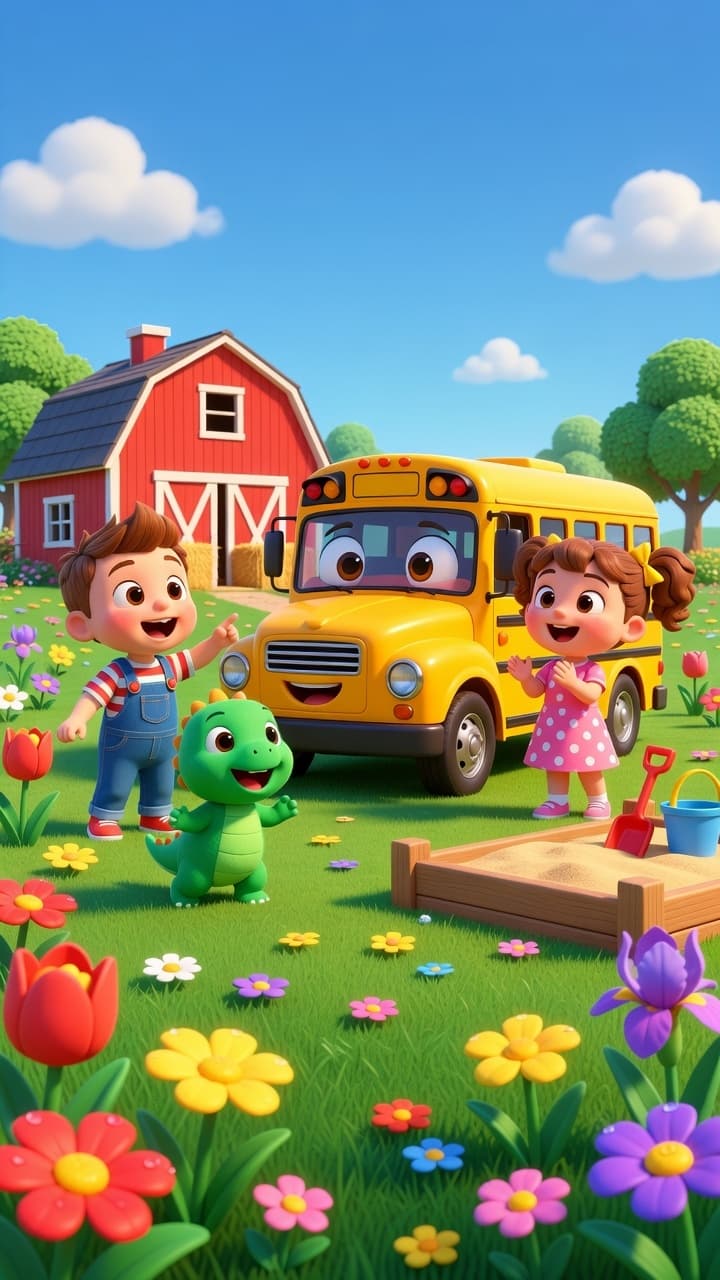
Rhyme is the one format built for horizontal from the start. It defaults to 16:9, and a full set of lyrics makes a song long enough to stand on its own as a channel video, up to three minutes.
You write the lyrics, or describe an idea and the lyric writer drafts a kids' song for you. ClipPilot turns the lyrics into an original song with music and vocals, then plans the scenes from them and animates a clip for each one. The clips play in the same order as the song, so the video follows the story the lyrics tell.
Out of the box it sounds and looks like a kids' sing-along: a cheerful nursery-rhyme song and a bright 3D cartoon. Both are short text fields, though. Describe a different sound and a different look and you get a different kind of music video. You can also upload a track you own, up to three minutes, and have the video built around that.
Fully animated videos
If you want real movement in every scene rather than still pictures, Custom Animated Video generates a short video clip for each scene. With a script of up to 1,200 characters, it's narrated with a voiceover and captions. Without a script, you describe an idea and choose up to ten scenes of five to ten seconds each.
Animated video costs more because every second is generated footage: 35 credits a second in HD. It's worth it for videos where the motion is the point. For everything else, a narrated image video is usually the better value.
Templates that work in widescreen
Most of the templates were made with Reels and Shorts in mind, but none of them are locked to vertical. Every template can render in 16:9, and a few look better that way.
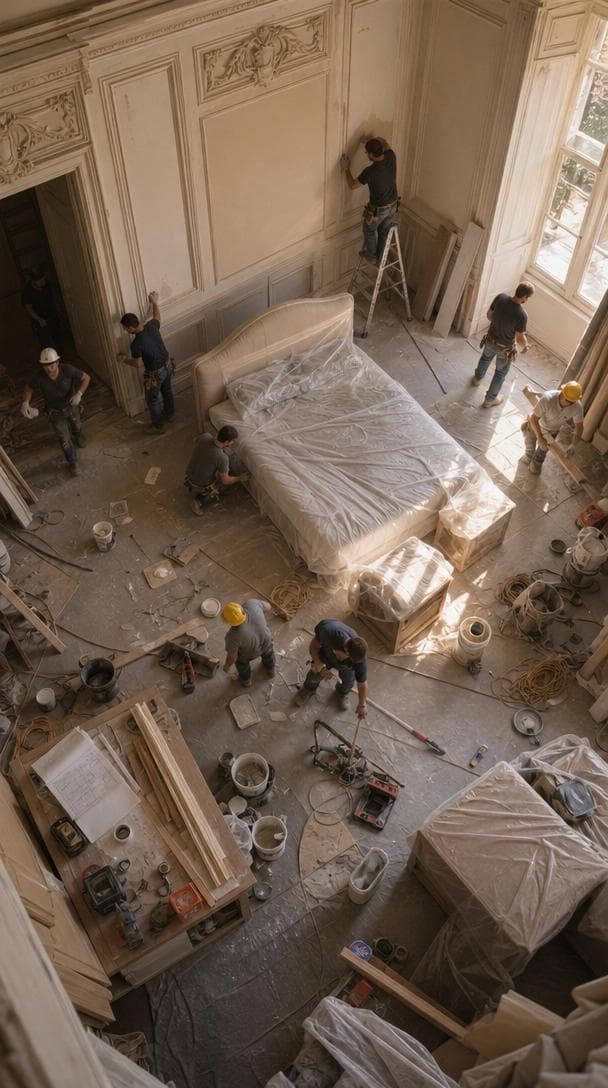
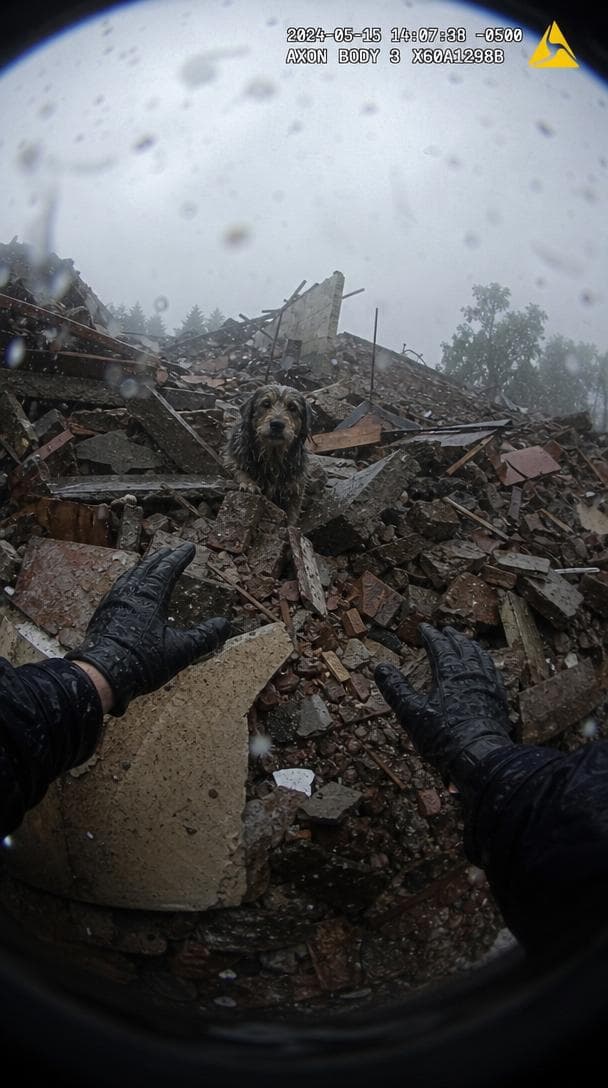
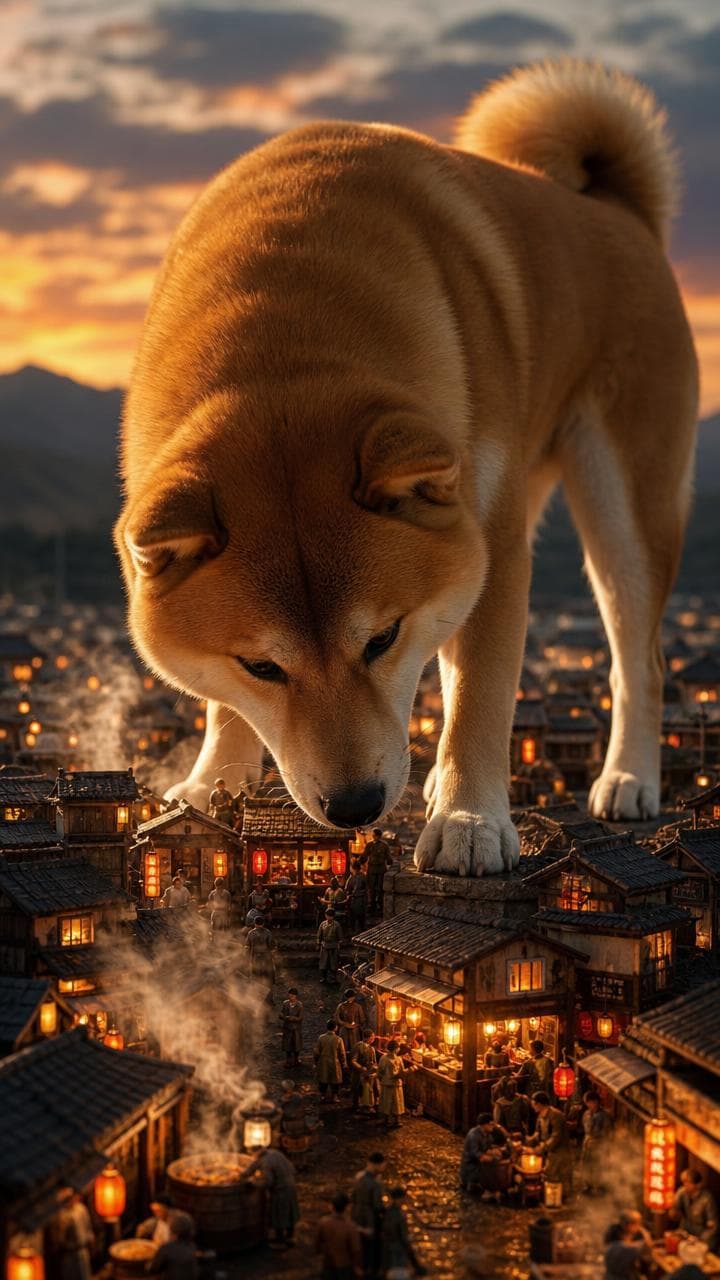
Renovation films a room from a camera up in the ceiling corner as one continuous take, and a wide frame fits the whole room in. Animal Rescue is bodycam footage, which already looks at home in widescreen. Giant Village is built around a huge animal watching over a tiny town, and a wide frame suits that kind of shot.
A template video runs up to ten scenes of ten seconds, so it works well as a short horizontal upload or as one part of something longer.
Making videos longer than three minutes
Each video has a cap: about two minutes of narration, or three minutes of song. For a ten-minute upload, write it as a few parts, make each one here with the same voice, style and character, and join them in any video editor. Because the settings match, the parts look and sound like one video.
Music channels do the same thing with compilations. Make several songs one at a time, then put them back to back in one long upload.
Keep your channel looking like one channel
Save a character to your gallery, or design one in the app, and attach it to your videos. The scenes that feature that character are generated from its picture, so the same face turns up from one upload to the next.
Do the same with the voice and the visual style. Pick them once and stick with them, and viewers start to recognise your videos at a glance.
Fix scenes instead of starting over
Every finished video opens in the editor. On a narrated image video you can swap out a picture that missed for 5 credits, or rewrite a line of narration and have the voiceover and captions redone together. On animated and music videos you can describe a scene differently and regenerate just that clip.
Then you render the video again. You pay for what you changed, not for the whole video twice.
How the cost adds up
Narrated image videos are about 100 credits a minute, so a full two-minute script is about 200. Adding a character reference to an image video makes it four times that.
Animated videos are priced per second: 25 credits at Standard, 35 in HD and 65 in Full HD. Music videos use the same rates plus a flat 250 credits per video, so a two-minute song in HD comes to 4,450 credits. You see the price on the form before you generate.
What it costs
Plans start at $19 a month for 3,000 credits. A one-minute image video is about 100 credits. Animated video is priced per second of finished video, at 35 credits a second in HD.
No watermark on any plan, and you hold full commercial rights to everything you generate.
Frequently asked questions
How long can a video be?
A narrated video runs up to about two minutes, from a script of up to 1,200 characters. A music video runs up to three minutes, though the exact length depends on how the song comes out. A template video runs up to ten scenes of ten seconds. For anything longer, make it in parts and join them in a video editor.
What resolution are horizontal videos?
Narrated image videos render at 1920 by 1080. Animated videos and music videos render at 480p, 720p or 1080p, depending on the quality you pick.
Which templates work best in 16:9?
All of them can render in 16:9. Renovation, Animal Rescue and Giant Village suit it best because their shots are naturally wide. Formats like ASMR Food and Nail Art were designed for a phone screen and usually look better vertical.
Can AI write the script?
Yes. Describe your idea and a script is written for you, or kids' song lyrics if you're making a music video. Treat it as a first draft and put it in your own words before you generate.
Can I use my own music?
Yes. Narrated image videos let you upload your own background track. The Rhyme format can build a whole video around a song you upload, up to three minutes and 15MB.
Does ClipPilot upload to YouTube for me?
No. There's no connection to your YouTube account and nothing is posted for you. You download the MP4 and upload it yourself with your own title, description and thumbnail.
Do I own the videos?
Yes. You hold full commercial rights to everything you generate, and there's no watermark on any plan. If you upload music or use lyrics someone else wrote, you need the rights to those yourself.