AI YouTube Shorts Generator
Write what the Short is about. ClipPilot breaks it into scenes, generates the visuals for each one, records an AI voiceover, syncs captions to it word by word, and renders a finished 9:16 MP4 you can upload straight to YouTube.
There is no timeline to learn and nothing to assemble afterwards. Most Shorts are ready in two to five minutes.
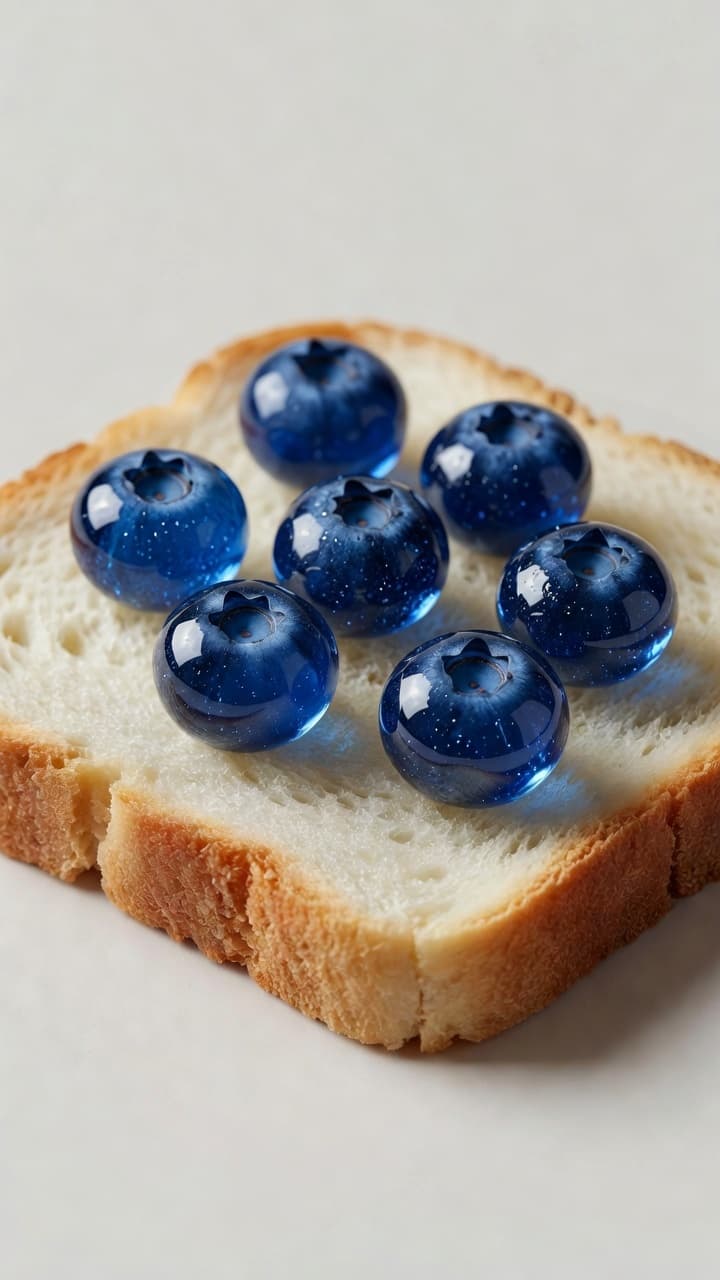
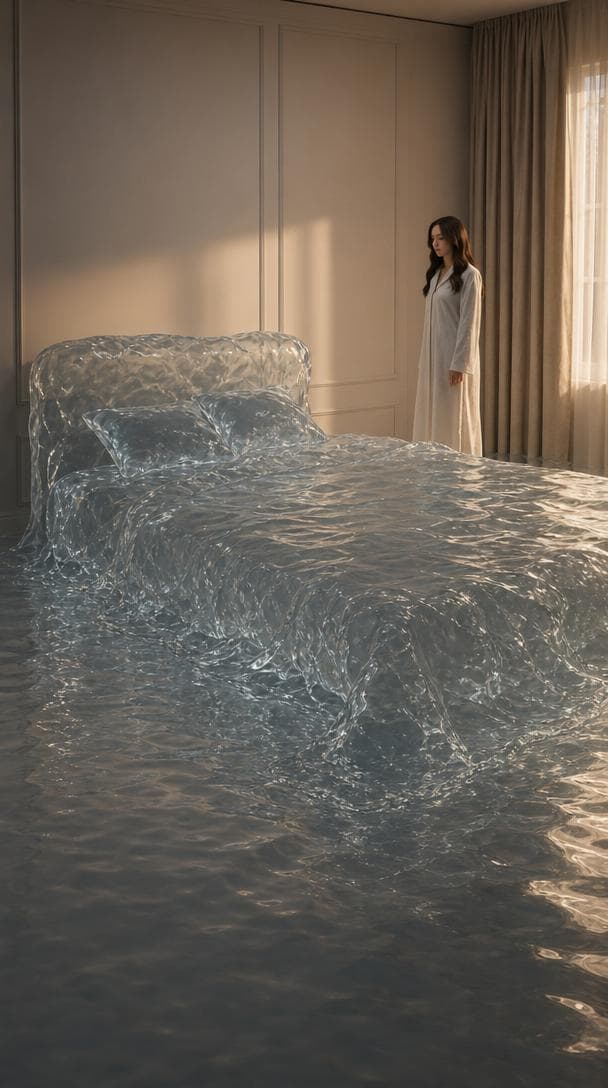
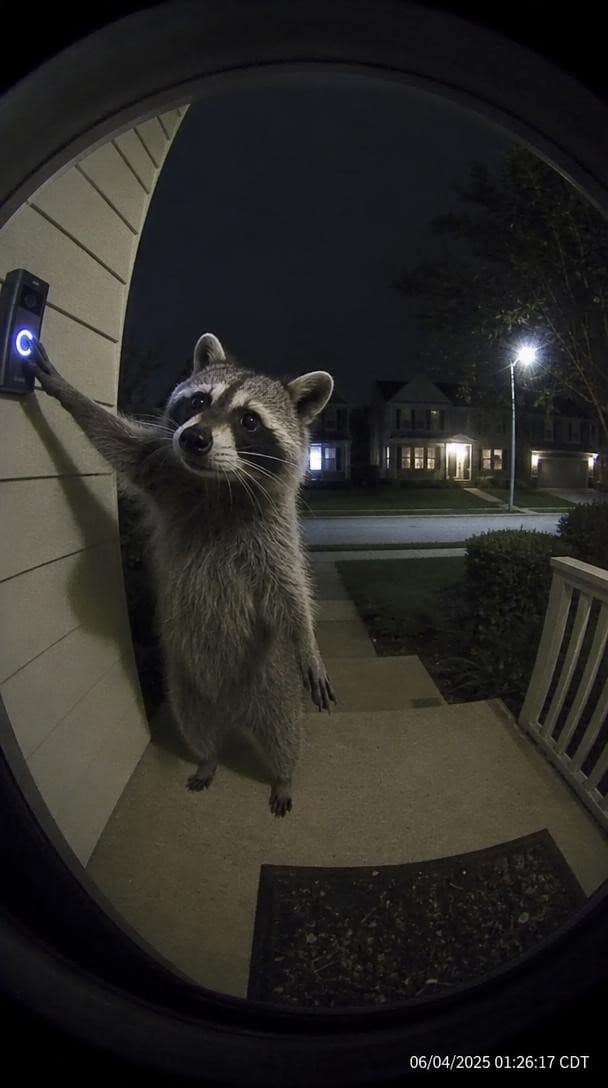
Videos made with ClipPilot
How it works
- 1
Write the idea or paste a script
One line is enough. If you already have a script, paste it and it becomes the narration verbatim.
- 2
Pick the look and the voice
Choose a visual style, one of 36 voices, a caption style and the 9:16 vertical format.
- 3
Let it generate
Scenes are split, visuals generated, voiceover recorded and captions aligned to the audio. Two to five minutes.
- 4
Download and upload
You get an MP4 with no watermark. Fix any scene in the editor first if one missed.
What kind of Shorts can you make?
There are two ways to build a Short here, and they suit different content. An image Short generates a still image for each scene and moves the camera slowly across it while the voiceover plays. That works well for anything narration-led: facts, history, science explainers, stories, listicles. It is also the cheap option, at roughly 100 credits for a full minute.
An animated Short generates a real AI video clip for every scene, with motion and its own sound. It costs far more per second, but for anything where the visual is the point rather than the narration, it is the difference between a slideshow and a video people finish.
You can attach a character reference to either. Upload a photo or design a character in the app, and the same face appears across every scene instead of a different person each cut.
How the script becomes scenes
You do not storyboard anything. The script is read once, split at natural beats, and each beat becomes a scene with its own image or video prompt written for it. The voiceover is generated in a single pass that returns word-level timings, and every scene boundary and caption is derived from those timings rather than guessed.
That single-pass detail is why the captions actually land on the word being spoken. Generating the audio and the alignment separately is what makes most auto-caption tools drift by a syllable or two, and on a Short with large burned-in captions that drift is the first thing a viewer notices.
If you would rather not write a script at all, you can give a one-line idea instead and let the planner write the scenes. You pick how many scenes and how long each one runs.
Captions, voices and styles
There are 36 voices to pick from, with a preview for each. Captions come in two styles with a choice of highlight colour, sized and placed for a vertical frame so they clear the YouTube interface at the bottom of a Short.
Ten visual styles cover most of what short-form content looks like: photoreal, cartoon, comic book, anime, soft illustration, clay animation, creepy, cyberpunk, vintage and flat modern graphics. The style is applied to every scene in the video, so a series stays visually consistent from one upload to the next.
Background music is optional and its volume is adjustable. On animated Shorts the clips have their own audio, which is ducked automatically under a voiceover and plays at full volume when there is no narration.
Fixing a Short without regenerating the whole thing
Every finished video opens in the editor. You can rewrite the narration, regenerate any single scene whose visual did not land, and recompile. Recompiling reuses the existing voiceover unless you actually changed the words, so a visual fix is cheap.
This matters more than it sounds. Generative video misses sometimes, and a tool that makes you rerun and repay for a whole video because one scene out of eight came out wrong is a tool you stop using.
What it costs to run a Shorts channel
Credits are the only unit. Plans start at $19 a month for 3,000 credits and go up to $199 for 60,000, and unused credits roll over on every plan above Starter.
A one-minute image Short is about 100 credits, so the entry plan covers roughly 30 of them a month. Animated Shorts are priced per second of finished video: 35 credits a second in HD, 25 at Standard quality, 65 for Full HD. A 20-second animated Short in HD is 700 credits.
Videos have no watermark on any plan and you hold full commercial rights to everything you generate.
What it costs
Plans start at $19 a month for 3,000 credits. A one-minute image video is about 100 credits. Animated video is priced per second of finished video, at 35 credits a second in HD.
No watermark on any plan, and you hold full commercial rights to everything you generate.
Frequently asked questions
Does YouTube monetize AI-generated Shorts?
You own the videos and have full commercial rights from our side, so nothing here blocks monetization. Whether a specific Short earns is decided by YouTube's own policies, which favour content that adds real value over repetitive mass uploads. Treat the generated video as your starting point and put your own script, angle and judgement into it.
How long can a Short be?
YouTube counts anything up to 3 minutes as a Short. ClipPilot's length depends on the format: image videos follow the length of your script, and animated videos are the scene count times the seconds per scene, up to 10 scenes of 10 seconds each. Most Shorts that hold attention run 20 to 60 seconds.
Can I use my own script?
Yes. Paste it and it is used as the narration word for word. The AI only writes a script when you ask it to by giving an idea instead.
Can I fix one scene without paying for the whole video again?
Yes. The editor regenerates a single scene image or clip at the cost of that scene alone, then recompiles. If you did not change the narration, the existing voiceover is reused rather than regenerated.
Which voices are available?
There are 36 voices, male and female, across a range of accents and delivery styles, each with a preview you can listen to before you generate. The voice is stored with the video, so a recompile sounds like the original.
How much does one Short cost in credits?
About 100 credits for a one-minute image Short. Animated Shorts are 35 credits per second of finished video in HD, so a 20-second animated Short is 700 credits. The $19 plan includes 3,000 credits a month.